 Kharchy
The daily expense tracker that works offline
Kharchy is a free money manager and budget planner. Log what you spend in a few seconds a day, set a monthly budget, and watch your savings goals fill up — without an account, without a bank login, and without an internet connection.
Free · No ads · No in-app purchases · Your data stays on your device
A spending tracker you can read at a glance
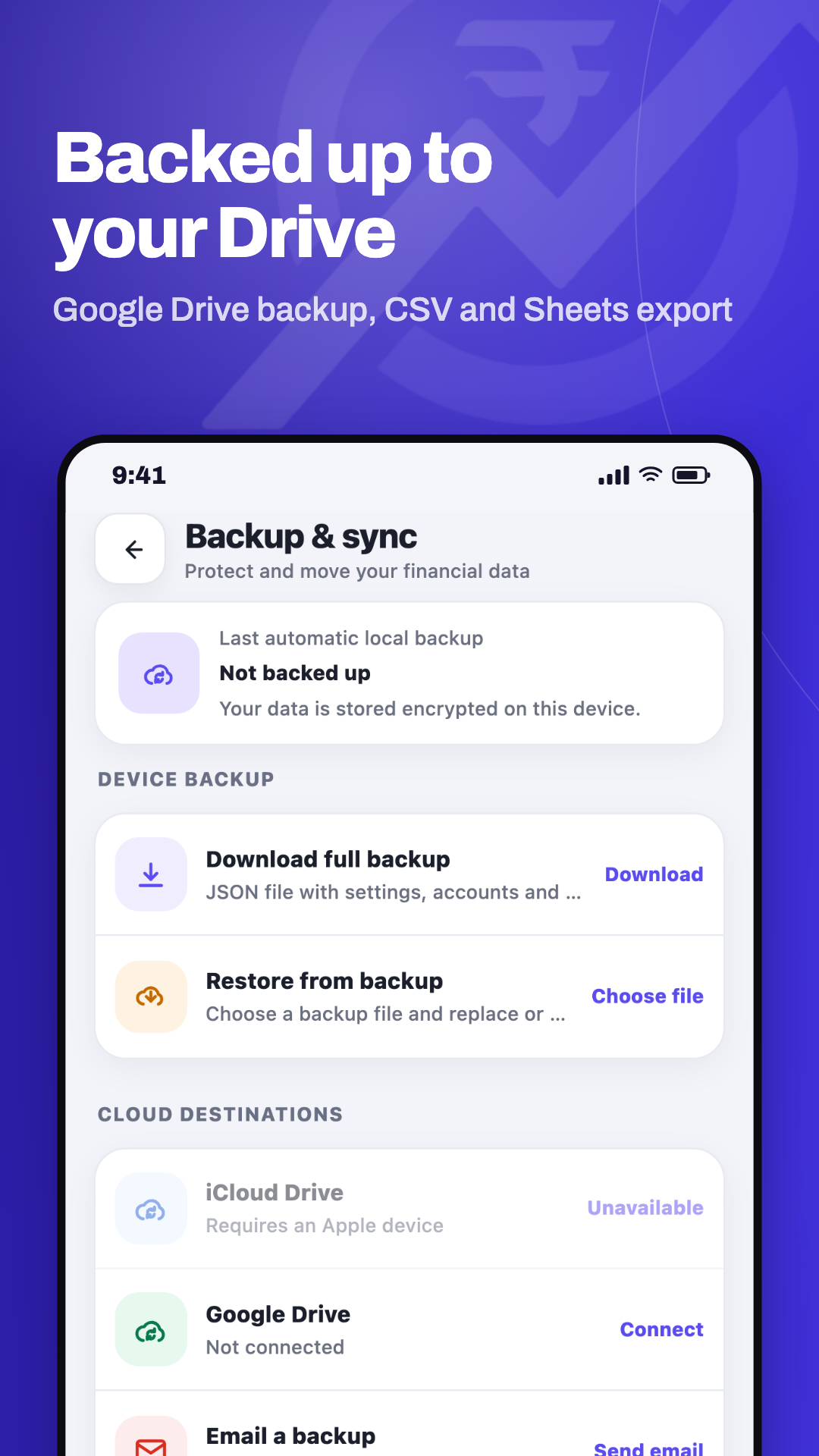
Pick a screen — balance and budget, spending by category, quick entry, bill reminders, or backup.
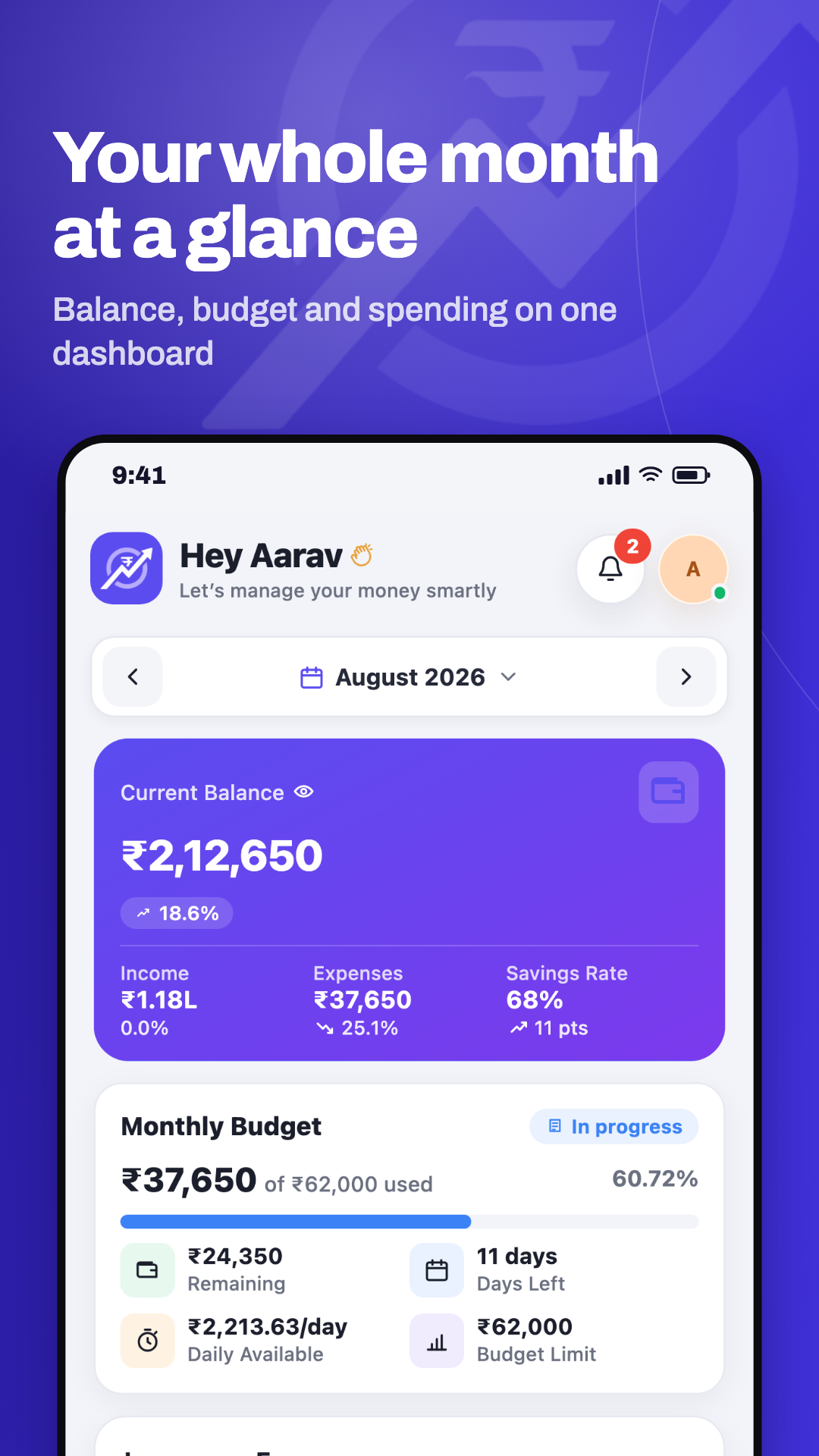
Your month at a glance
Everything a personal finance app should do, and nothing it shouldn't
A digital khata for your daily kharcha — an expense manager that adds itself up.
A daily expense tracker you'll keep using
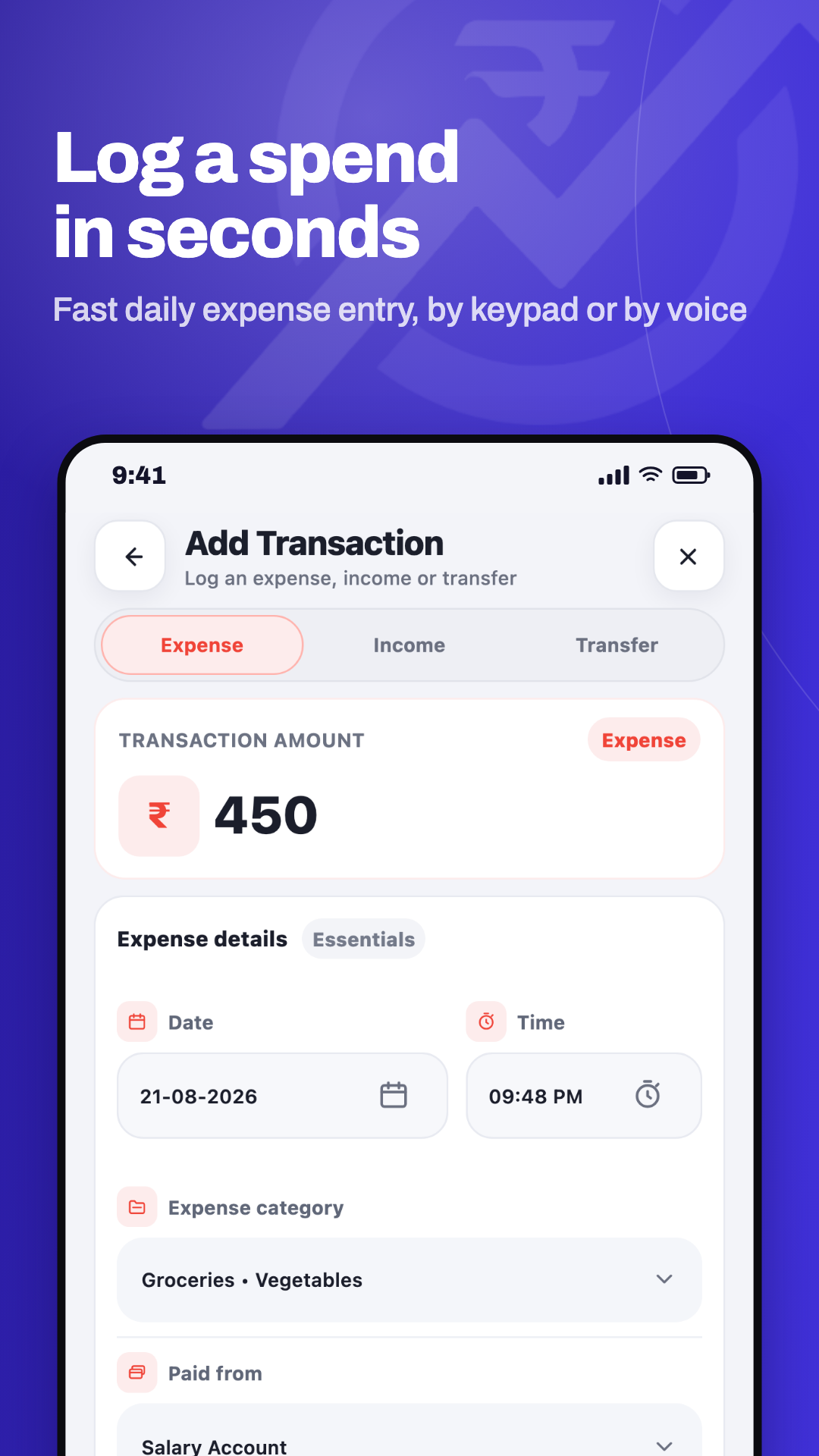
Amount, category, done. A built-in calculator, voice entry, receipt photos and a copy-last-entry shortcut, because the best expense tracker is the one you're still opening in March.
A budget planner for the whole month
Set a monthly budget and see it drawn down as you spend, with alerts before you cross it — not a lecture after month-end.
Statistics that answer real questions
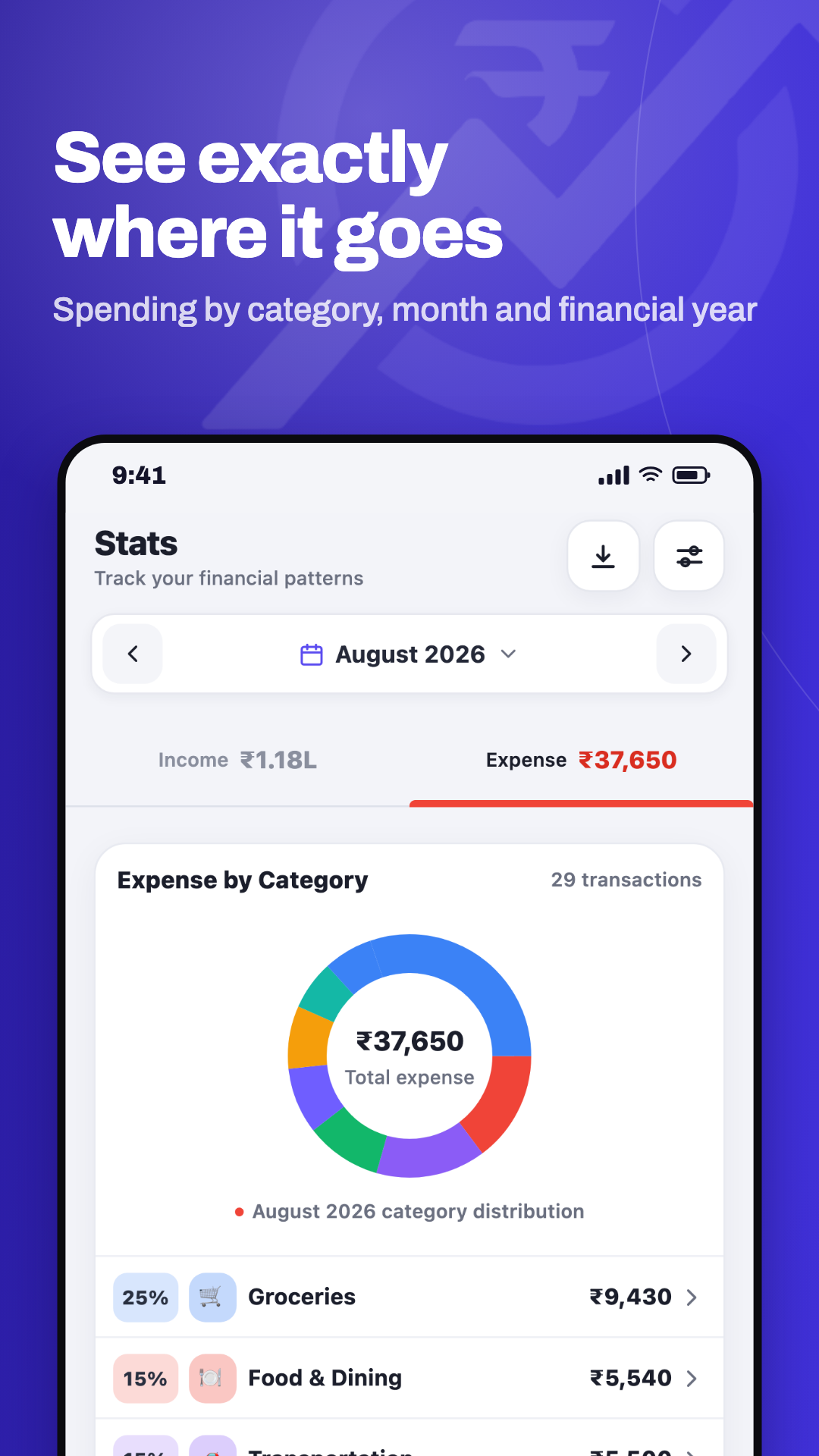
Break spending down by category, subcategory, tag, account or note. Drill into any of them and see the trend over weeks, months, quarters or the financial year.
A credit card tracker, cash and banks in one place
Bank accounts, wallets, cash and credit cards together, with real billing-cycle spend and limit usage on each card.
Bill reminders for rent, EMIs and SIPs
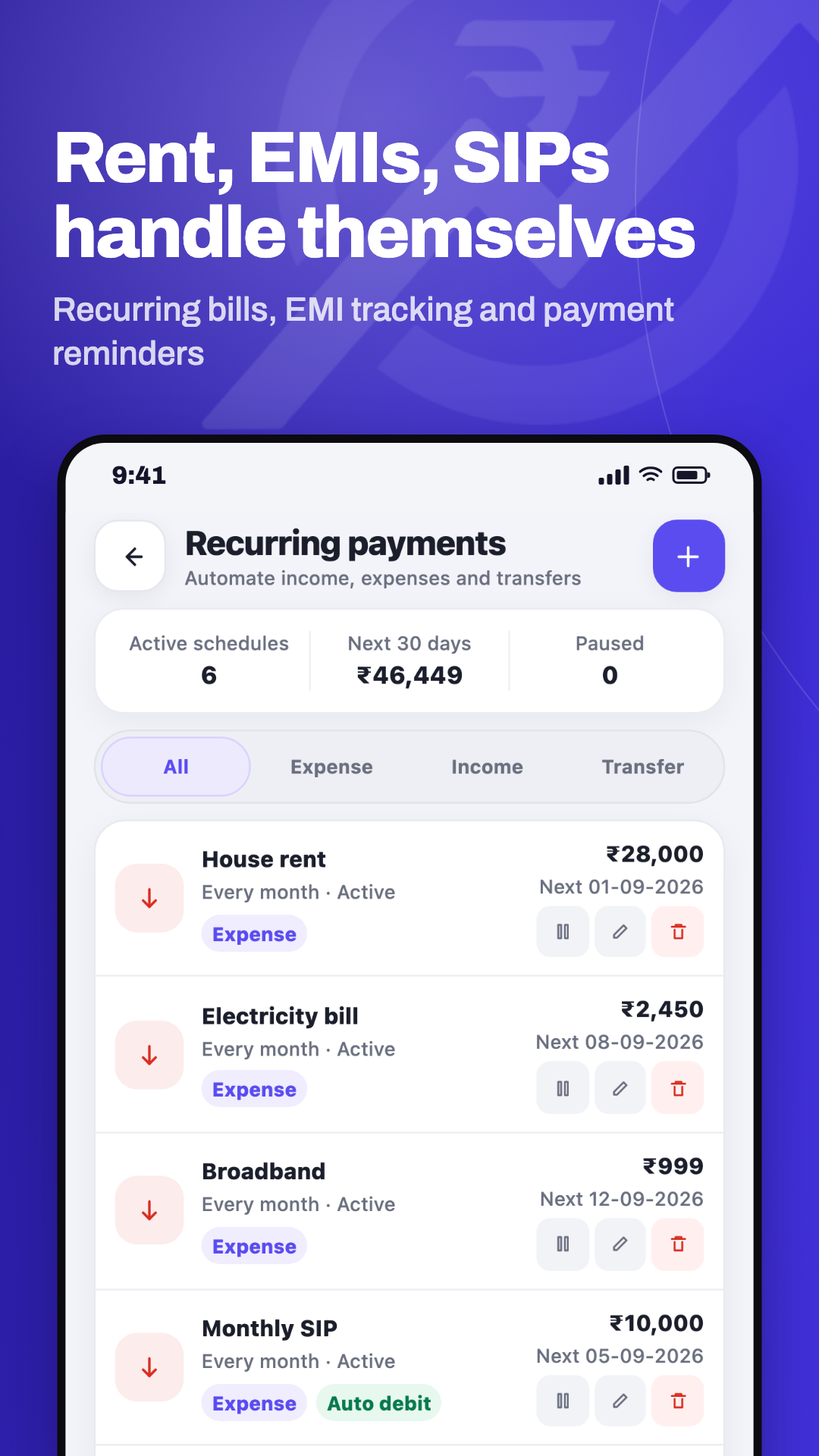
Set a recurring rule once. Auto-debits log themselves; everything else shows up as due, then overdue, until you deal with it.
A savings goal tracker that sticks
Name a goal, set a target, and either link an account so it tracks itself or add contributions by hand.
Private by design, not by promise
Records stored encrypted with AES-256 on the device, an optional fingerprint or face lock, screenshots blocked, and the app hidden in the recents preview.
Your data leaves only when you say so
Optional backup to your own Google Drive, and export every expense to CSV or Google Sheets whenever you like.
An offline expense tracker, in the literal sense
Most finance apps ask for a bank login. Kharchy asks for nothing.
- No account. Install it and start recording. There is no sign-up and no Kharchy server holding your ledger.
- No bank connection. Nothing is read from your bank, so nothing can be leaked from it.
- Works fully offline. Track a whole month in flight mode.
- Encrypted on the device with AES-256-GCM, the key held in the Android Keystore.
- Anonymous diagnostics you can switch off. Crash and usage reports help fix faults; they never include amounts, account names, notes or any record content — and there's a switch in Privacy & security.
- Erase everything from inside the app, in two taps.
Full detail in the privacy policy and terms of use.
One app, three platforms
Android is out first. The rest are on the way — same app, same encrypted local data model.
Android
AvailablePhones and tablets, Android 8 and later.
iPhone & iPad
Coming soonBuilt and running on real devices; waiting on App Store review.
Web
Coming soonThe same app in a browser, with your data still stored locally.
Questions
Is Kharchy free?
Yes — free to download and use, with no ads and no in-app purchases.
Does it need a bank login?
No. You record what you spend yourself, which is exactly why it works offline and why there's nothing sensitive to connect.
Does it work without internet?
Every feature does. The only optional online feature is backing up to your own Google Drive.
What happens if I lose my phone?
Data lives on the device, so keep Drive backup on if that worries you. You can also export to CSV at any time.
Which currencies does it support?
INR, USD, EUR, GBP and AED, with Indian lakh and crore formatting where it belongs.
Is there an iPhone or web version?
Android is first. The iOS app is already built and running on real devices, and a web version is planned after it — same app, same data model, on all three.